
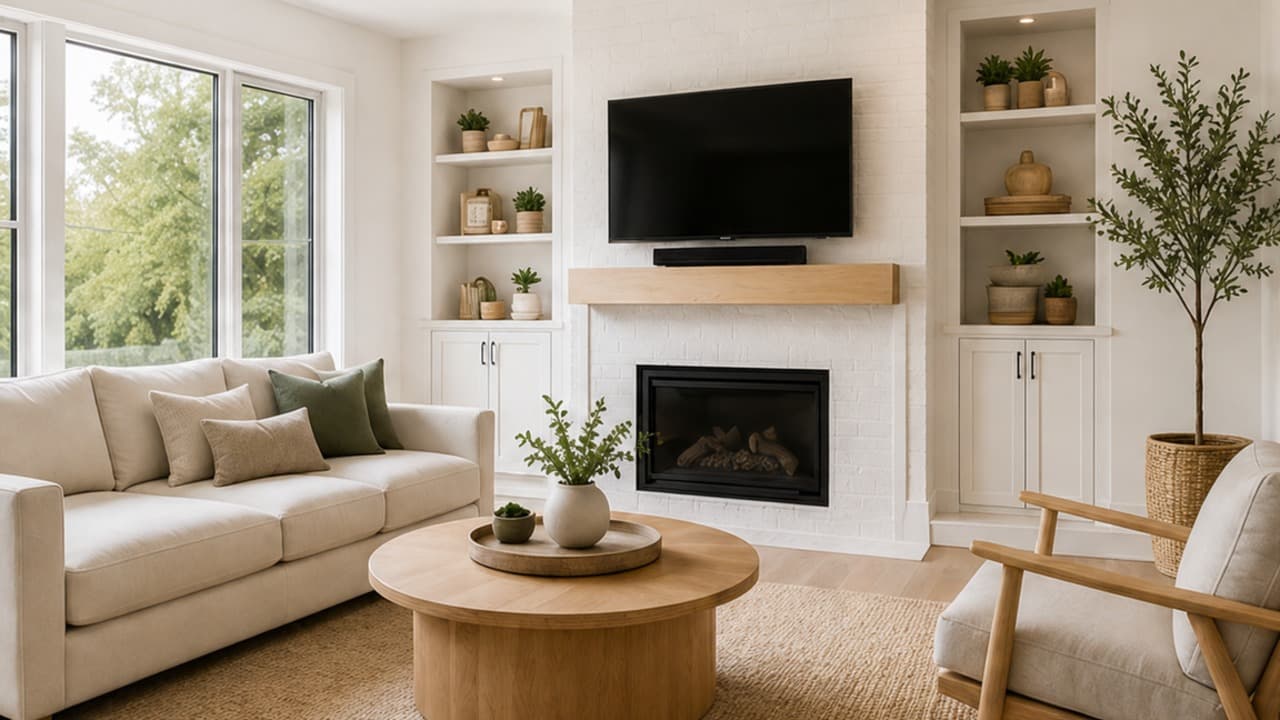
Walkthrough
Create an AI Real Estate Walkthrough from Photos
Create an AI real estate walkthrough from ordered property photos. Build a buyer-facing route through connected views, then download the finished video.
2-6 ordered property views
Buyer-guided route
Continuous room flow
Walkthrough video
AI real estate walkthrough
Final video
Source photos
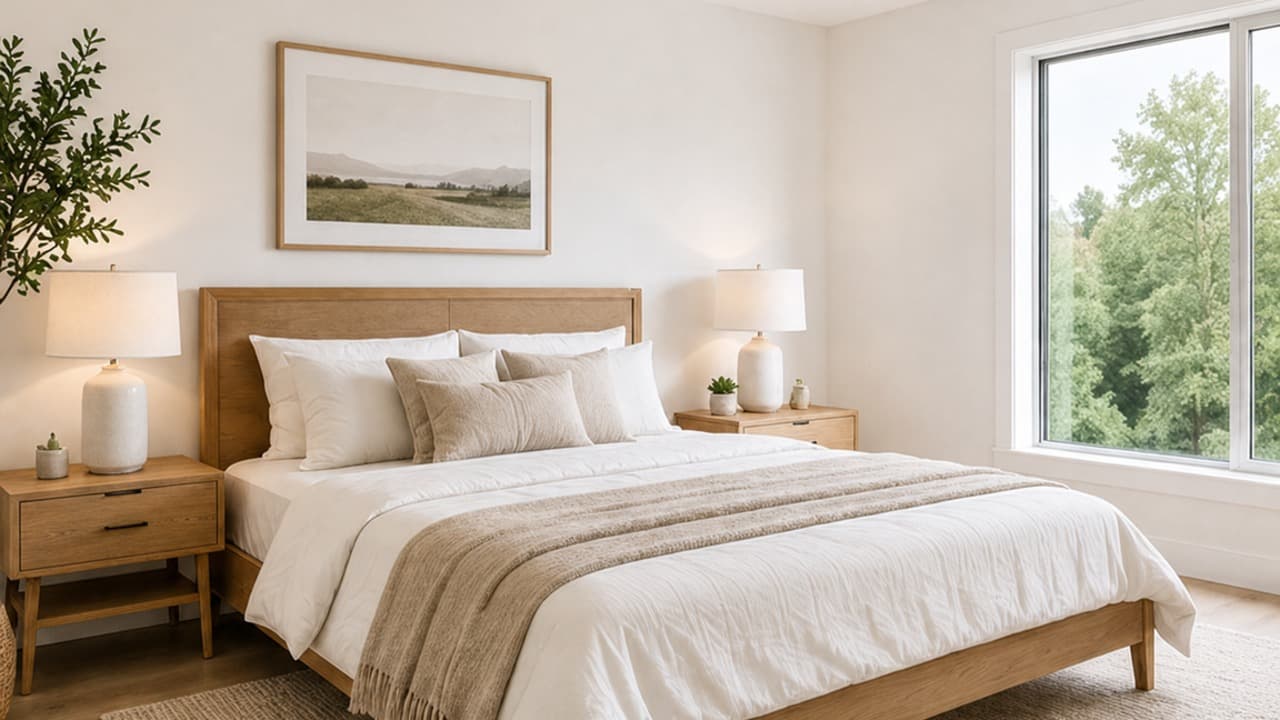
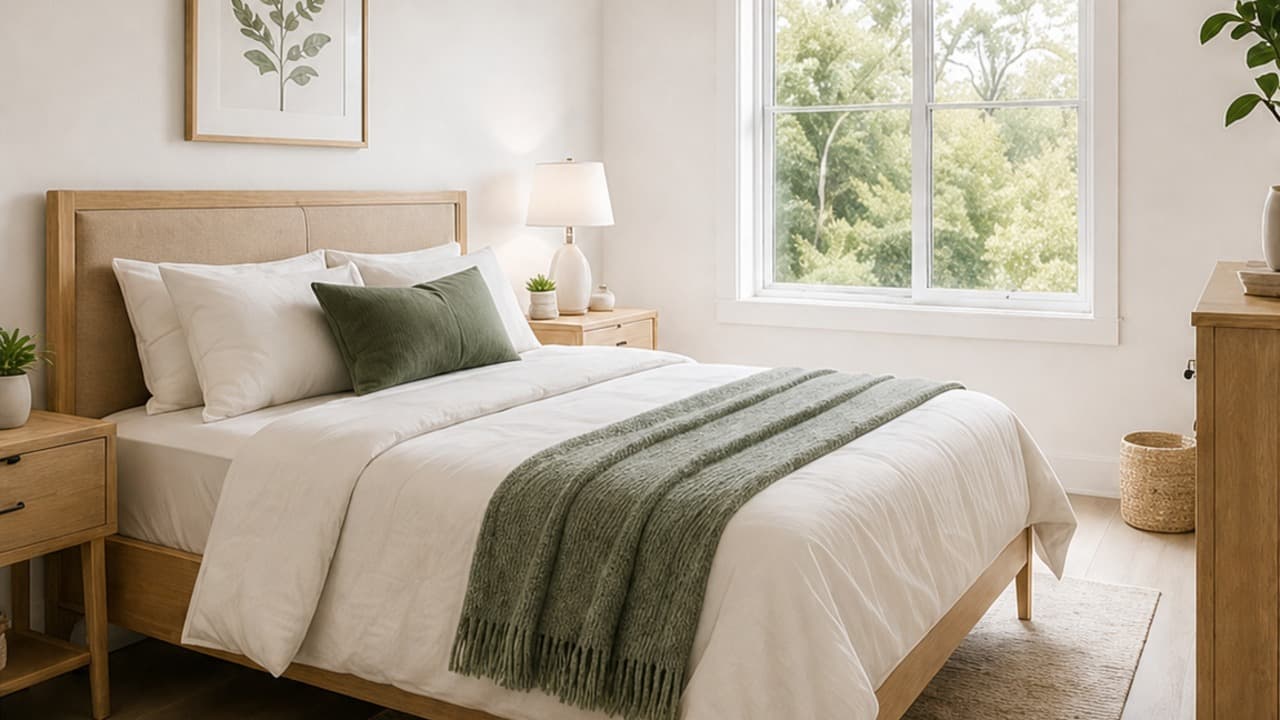
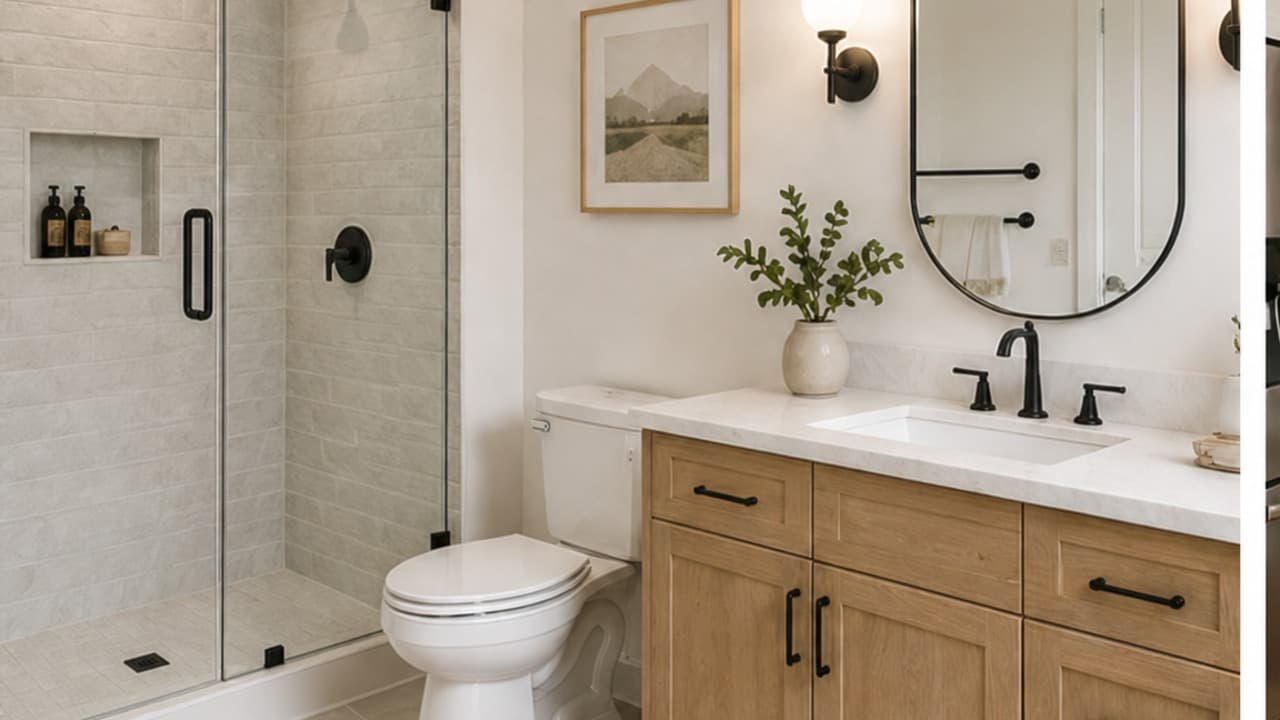
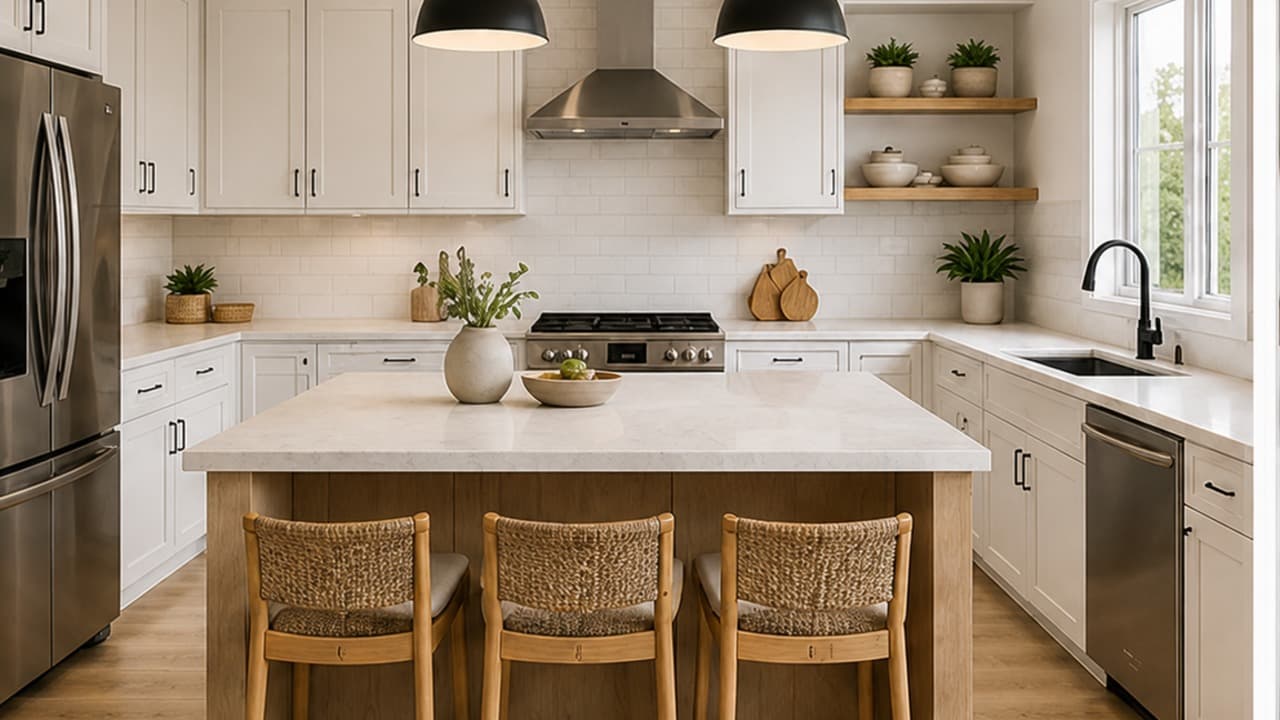
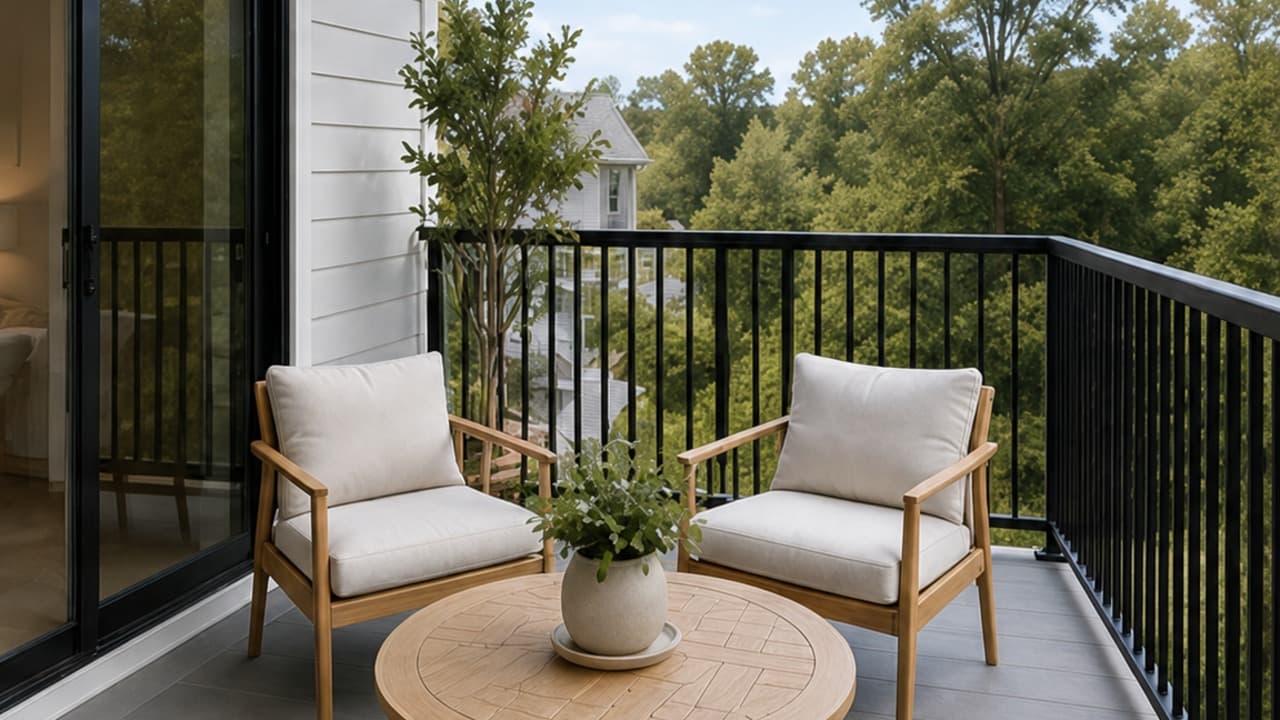
Map the property route
Order exterior, entry, main living spaces, bedrooms, amenities, and the strongest closing image.
Add buyer context
Use the listing brief to emphasize light, layout, storage, and practical lifestyle details.
Create guided scenes
Each photo receives restrained motion that suggests flow without presenting the video as a 3D scan.
Best for
For overseas buyers, relocation leads, and agents who need to give the property more narrative than a static gallery.
Why EstateReel is different
A real estate workflow, not another blank prompt box.
Built for listing assets
EstateReel starts from the assets agents already have: MLS photos, property facts, room order, brokerage brand, and selling points.
More specific than generic AI video tools
Instead of asking users to write a perfect prompt, the workflow guides them through a real estate story buyers understand.
Designed around publishing channels
Generate videos for Reels, Shorts, TikTok, YouTube, listing pages, email follow-up, and remote buyer conversations.
Cost-aware video generation
Video packs keep usage measurable, which matters when high-quality AI video models cost more than ordinary text or image generation.
What you can create
Listing videos for every buyer touchpoint.
Walkthrough-style videos for overseas and relocation leads
Remote showing assets for investor and buyer follow-up
A structured alternative to a static property image gallery
Product workflow
From listing input to usable video.
Map the property route
Order exterior, entry, main living spaces, bedrooms, amenities, and the strongest closing image.
Add buyer context
Use the listing brief to emphasize light, layout, storage, and practical lifestyle details.
Create guided scenes
Each photo receives restrained motion that suggests flow without presenting the video as a 3D scan.
Send one complete walkthrough
Review the completed MP4 and share it as part of a remote buyer conversation.
Differentiation
Built around real estate, not generic video prompts.
Buyer-oriented order
The route follows how a buyer understands a home, instead of treating photos as an unstructured collection.
Remote-showing narrative
A cohesive video gives remote prospects more context before they request a call or in-person showing.
Honest format
This is a guided video made from photos, not a claim that static photography is a navigable 3D tour.
Reliable generation workflow
From photos to finished video.
EstateReel keeps the process simple for agents: upload listing assets, generate a polished video, refine the details, and export a version that fits each marketing channel.
Upload once
Add property photos, listing facts, and agent branding in one guided project.
Generate every scene
Each property photo becomes its own short AI video scene with restrained camera motion.
Assemble the result
Completed scenes are normalized and stitched together in the selected photo order.
Preview and download
Open the finished project in your workspace and download the generated MP4.
FAQ
Questions agents ask before creating a video.
Is this the same as a 3D virtual tour?
No. It is a guided video built from photos and a room order. A navigable 3D tour requires spatial capture or 3D data.
Who is this walkthrough for?
It is especially useful for remote, relocation, and overseas buyers who need a clearer story before speaking with an agent.
Can I control the order of the rooms?
Yes. You define the viewing route from your selected photos before the generation starts.