
Listing Reel
Real Estate Video Maker for Listing Photos
Create a polished real estate video from listing photos with controlled motion, scene ordering, and one downloadable MP4 for a property launch or buyer follow-up.
2-6 ordered listing photos
Branded title overlay
Optional agent contact card
Listing reel
real estate video maker
Final video
Source photos
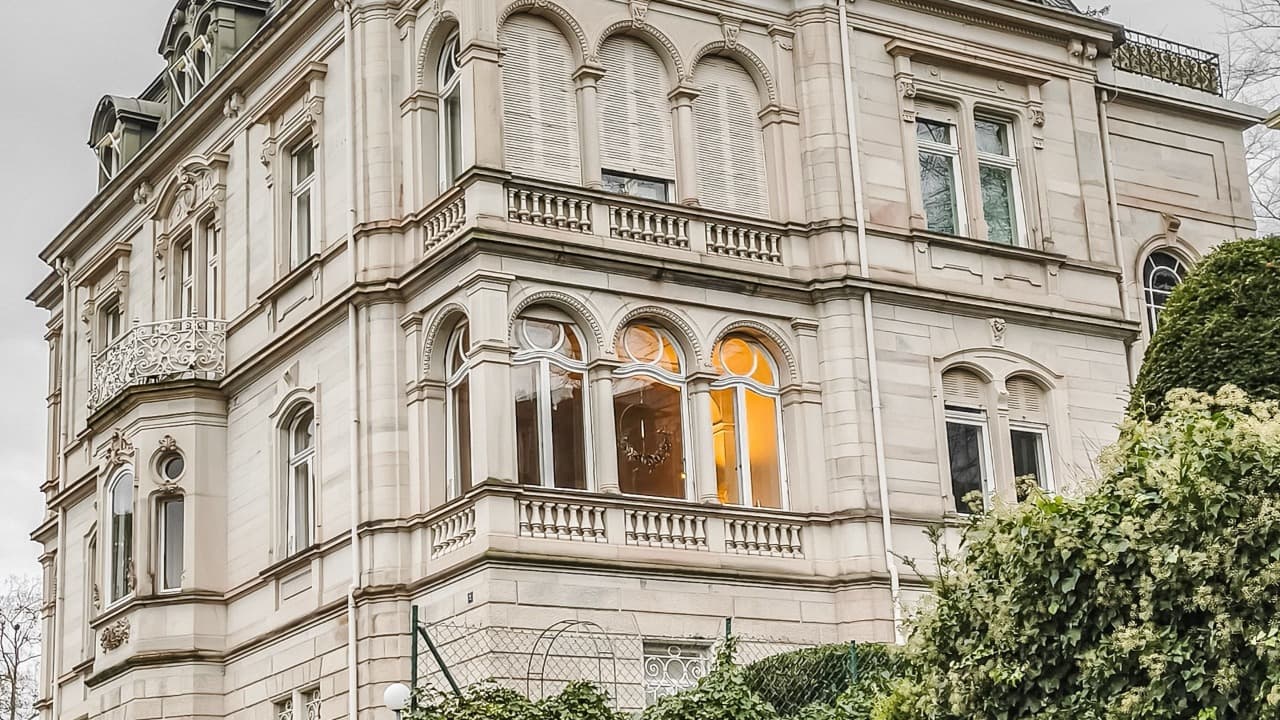
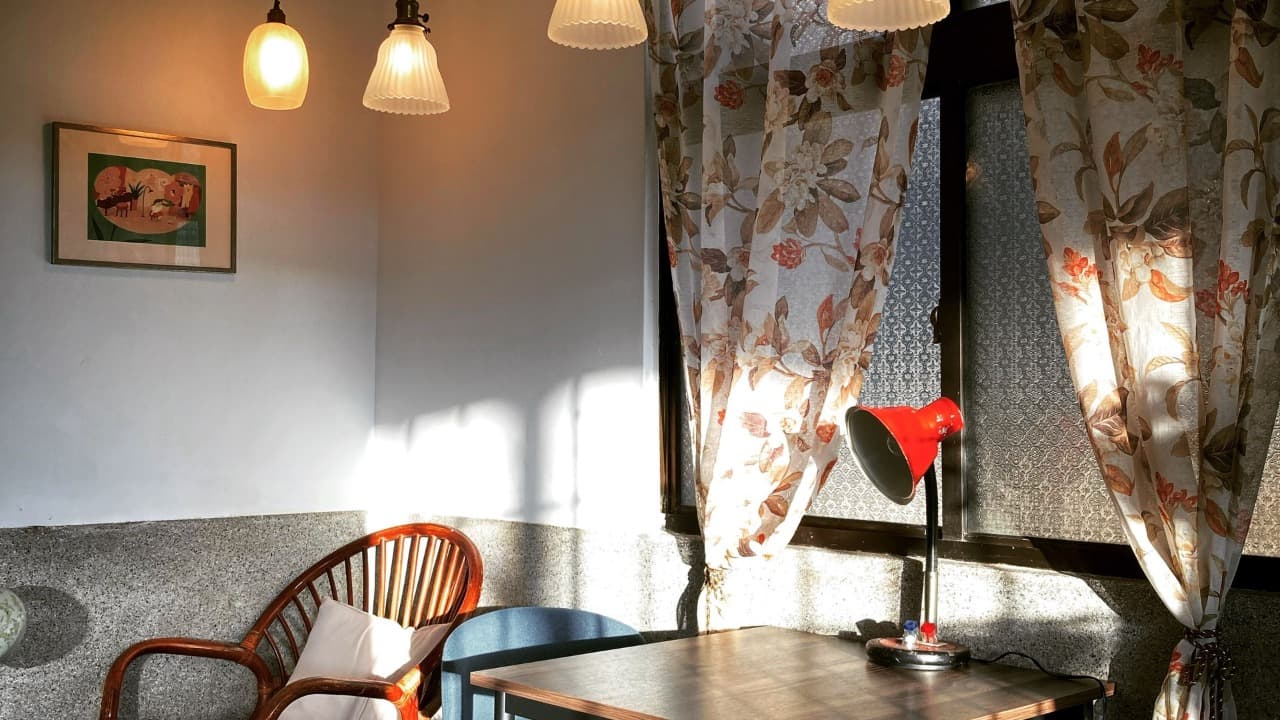
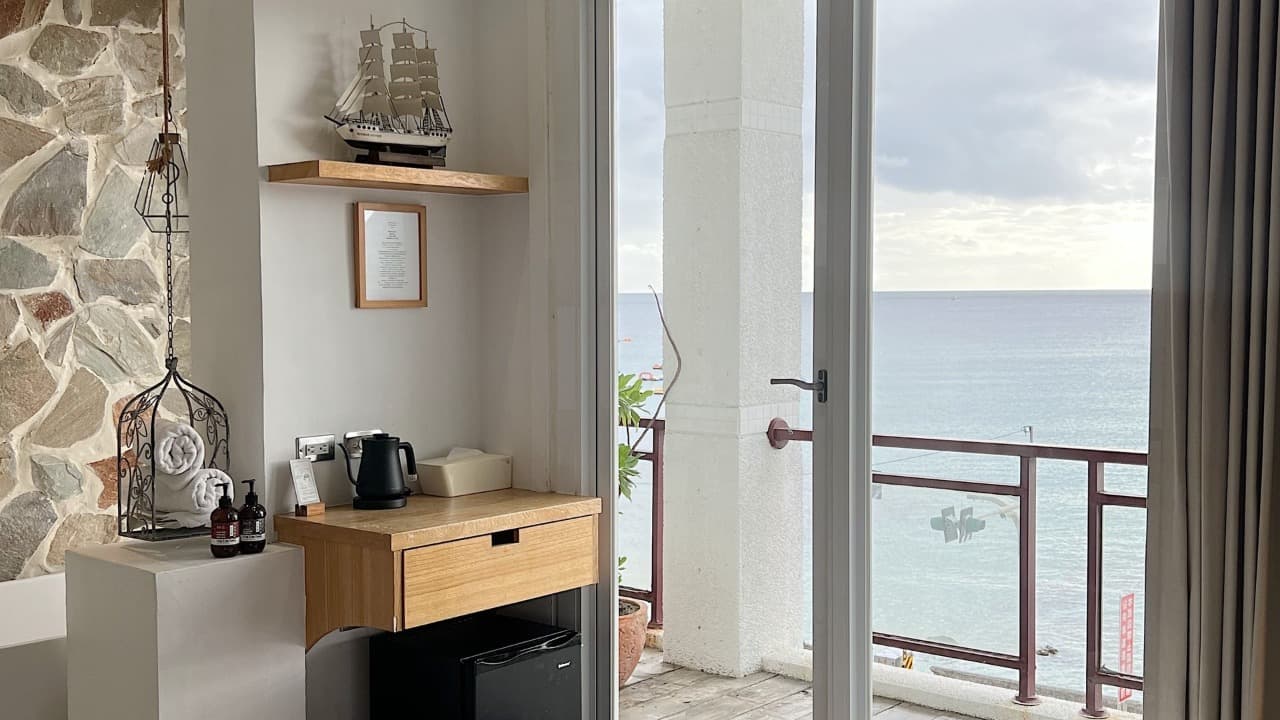
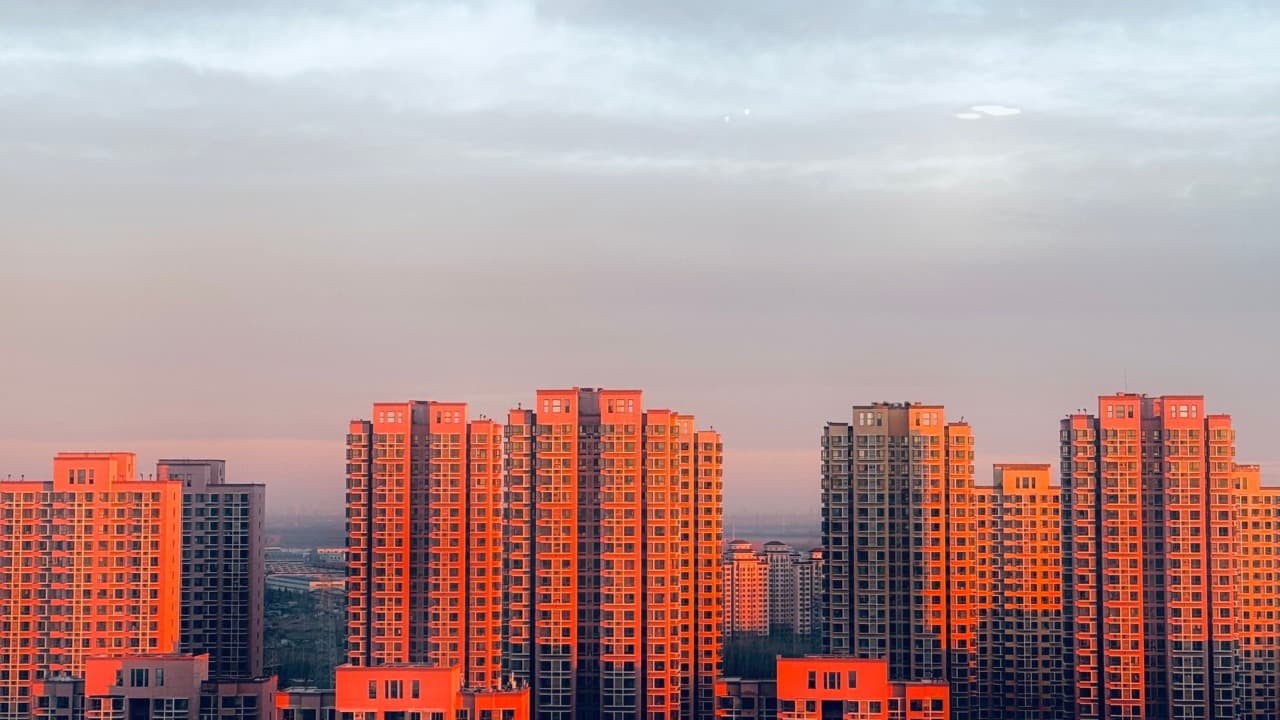
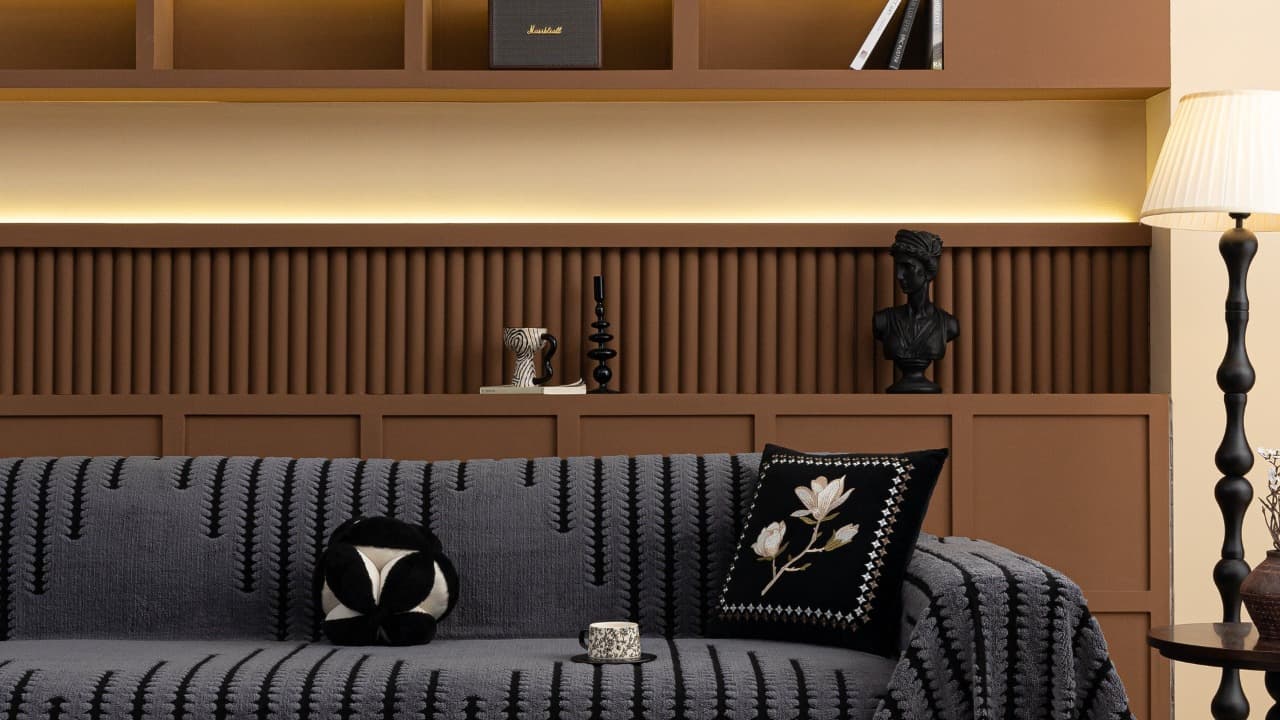
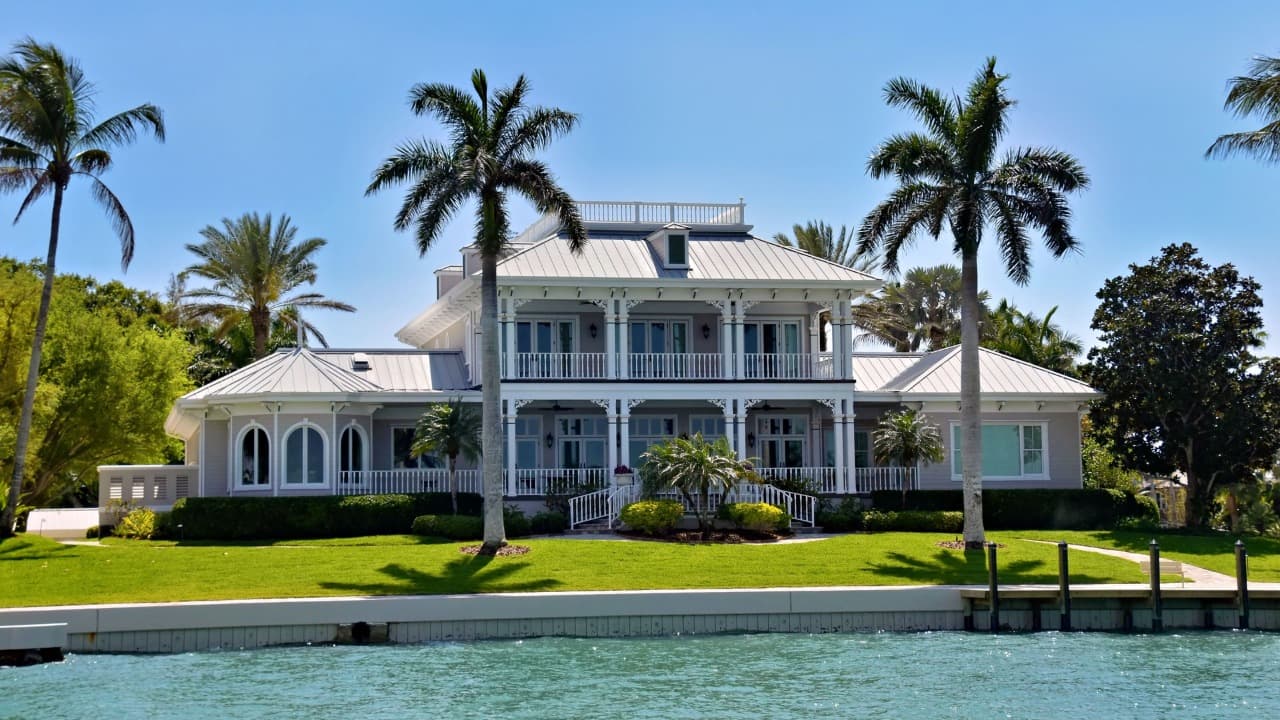
Add property photos
Upload the exterior, living spaces, kitchen, bedrooms, and the best lifestyle details.
Set the listing context
Add the address and a short brief. The address is applied after generation, not requested from the video model.
Generate controlled scenes
Each selected photo becomes a short property-safe scene with no generated on-screen text.
Best for
For agents who need a repeatable listing video workflow without starting from a blank video editor.
Why EstateReel is different
A real estate workflow, not another blank prompt box.
Built for listing assets
EstateReel starts from the assets agents already have: MLS photos, property facts, room order, brokerage brand, and selling points.
More specific than generic AI video tools
Instead of asking users to write a perfect prompt, the workflow guides them through a real estate story buyers understand.
Designed around publishing channels
Generate videos for Reels, Shorts, TikTok, YouTube, listing pages, email follow-up, and remote buyer conversations.
Cost-aware video generation
Video packs keep usage measurable, which matters when high-quality AI video models cost more than ordinary text or image generation.
What you can create
Listing videos for every buyer touchpoint.
Property launch videos for listing pages and agent websites
Buyer follow-up videos ready for email, WhatsApp, and social
Repeatable listing content for individual agents and teams
Product workflow
From listing input to usable video.
Add property photos
Upload the exterior, living spaces, kitchen, bedrooms, and the best lifestyle details.
Set the listing context
Add the address and a short brief. The address is applied after generation, not requested from the video model.
Generate controlled scenes
Each selected photo becomes a short property-safe scene with no generated on-screen text.
Download the listing video
EstateReel stitches the scenes and uses FFmpeg to add the address overlay to the final MP4.
Differentiation
Built around real estate, not generic video prompts.
Listing-first sequence
Lead with curb appeal, then guide buyers through the rooms in a practical viewing order.
Property-safe motion
Scene direction prioritizes stable walls, materials, light, and furniture over exaggerated effects.
Final-video ownership
The output is assembled into one downloadable video rather than leaving your team with loose clips.
Reliable generation workflow
From photos to finished video.
EstateReel keeps the process simple for agents: upload listing assets, generate a polished video, refine the details, and export a version that fits each marketing channel.
Upload once
Add property photos, listing facts, and agent branding in one guided project.
Generate every scene
Each property photo becomes its own short AI video scene with restrained camera motion.
Assemble the result
Completed scenes are normalized and stitched together in the selected photo order.
Preview and download
Open the finished project in your workspace and download the generated MP4.
FAQ
Questions agents ask before creating a video.
Can I create a real estate video from photos only?
Yes. Listing photos are the primary input. A title and address help organize the project, but no traditional video shoot is required.
Will the AI put text or an address inside the video?
No. The model is instructed not to generate visible text. EstateReel adds the listing address afterward during final video assembly.
What makes this different from photo animation?
The listing reel adds a branded opening and can include an agent contact card after the generated property scenes.