
Property listing launches
Give a new listing a concise video asset for its launch week.
AI video made for real estate listings
EstateReel AI turns listing photos into polished property videos, natural-motion clips, and AI walkthroughs for agents, teams, and real estate marketers.

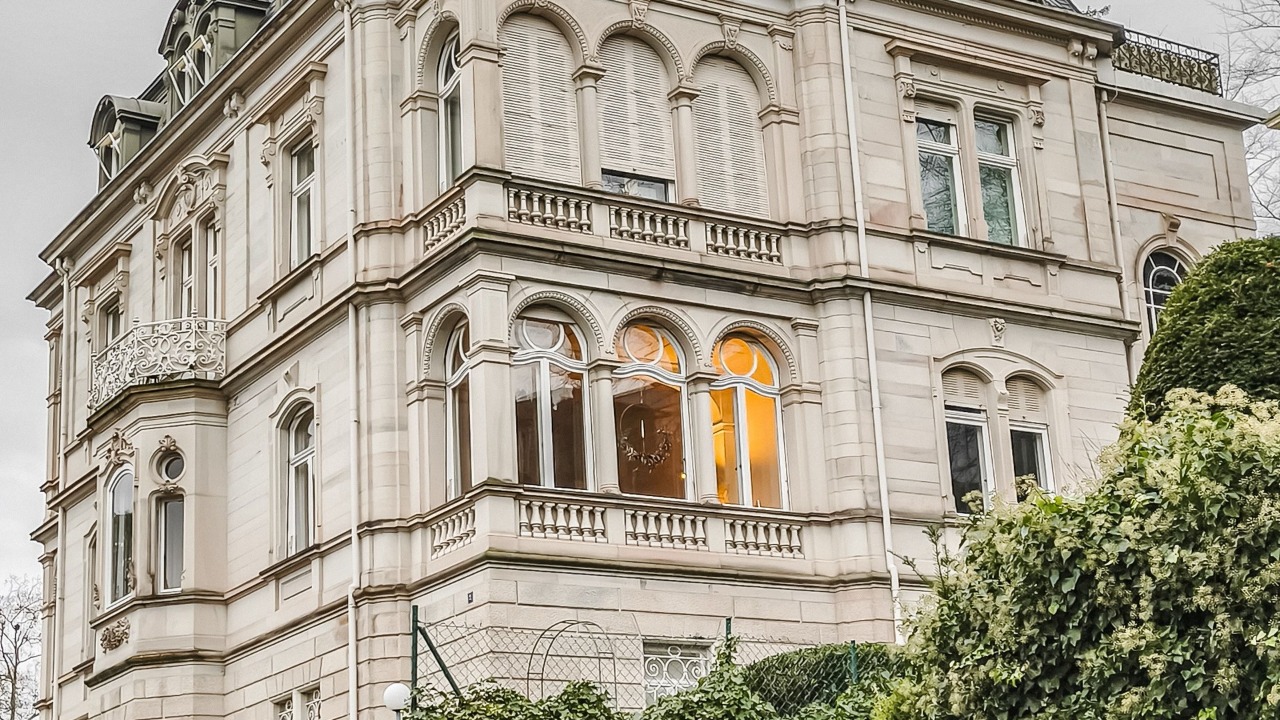
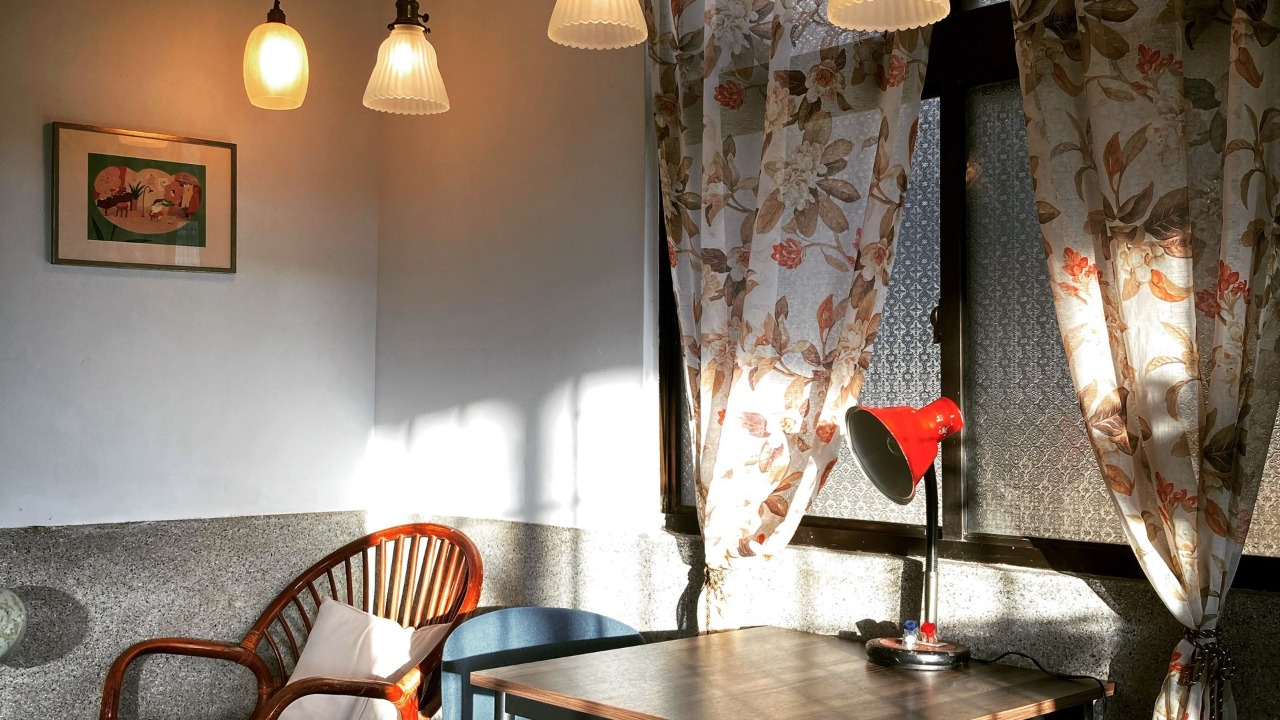
How to use
No timeline to learn and no prompts to write. Upload your photos, choose a video type, and review one finished property video.
Upload the exterior, rooms, and amenities in the order you want buyers to discover them.
Add your listing photos
Arrange the views in the order buyers should discover them.
6 photos ready
123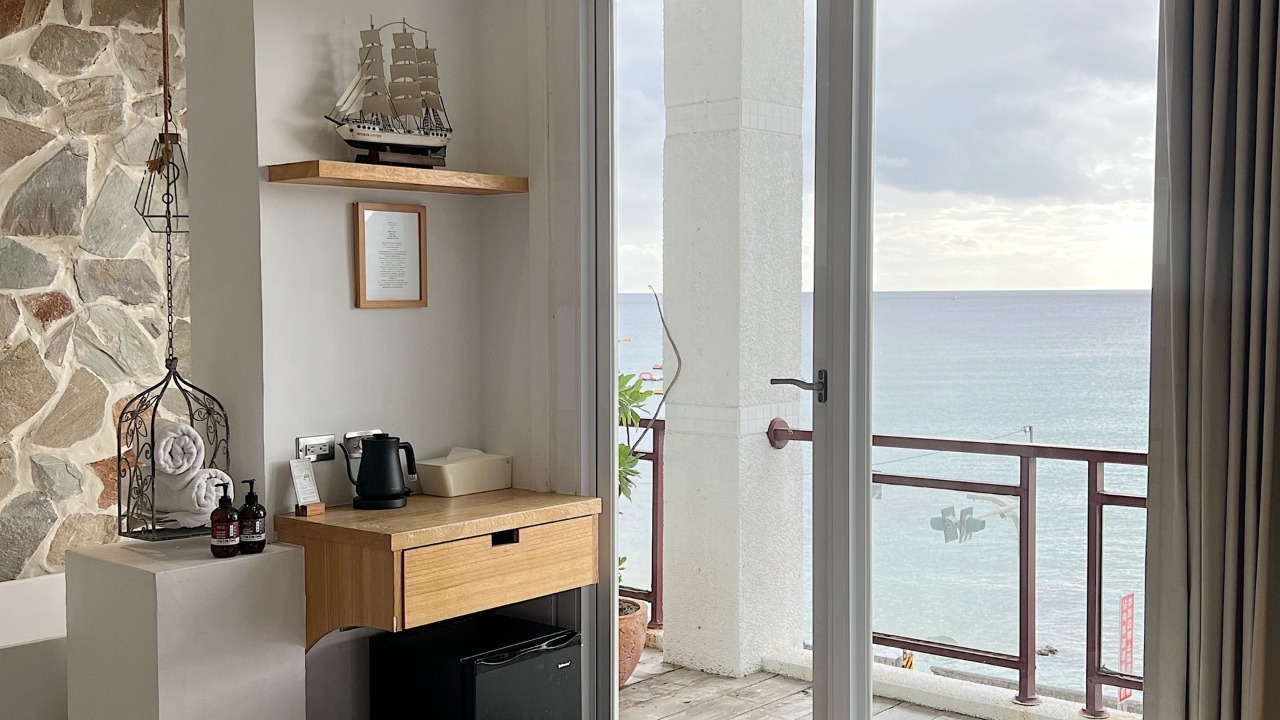 4
4 5
5 6
6Natural camera movement gives every still view a sense of depth before the scenes become one property story.
ANALYZING FRAME
RES: 1280 x 720
MOTION: NATURAL
Creating natural-motion scenes
In progressReview one finished property video in your workspace, then download it when it is ready to publish.
Open it in your workspace, then download one MP4 to use wherever your listing appears.
Video Makers
Start from the outcome you need. Each video maker opens a focused creation flow with the right inputs and scene direction.
Create one polished listing video with ordered scenes and optional listing details.
Built for listing pages, agent websites, Reels, and buyer follow-up.
Open this video makerTurn selected property photos into natural-motion video scenes without a prompt canvas.
Built for a hero image or a focused set of property photos.
Open this video makerArrange a buyer route and create a continuous walkthrough-style video from ordered views.
Built for remote buyers, listing pages, and guided property follow-up.
Open this video makerUse cases
Reuse the same listing photography across the moments where prospects need more context than a static gallery can provide.
Give a new listing a concise video asset for its launch week.
Turn the strongest rooms into a property story for social channels.
Help relocation and overseas leads understand the viewing order.
Use a repeatable production path across agents and active listings.
Create a second format from approved listing photography.
Examples
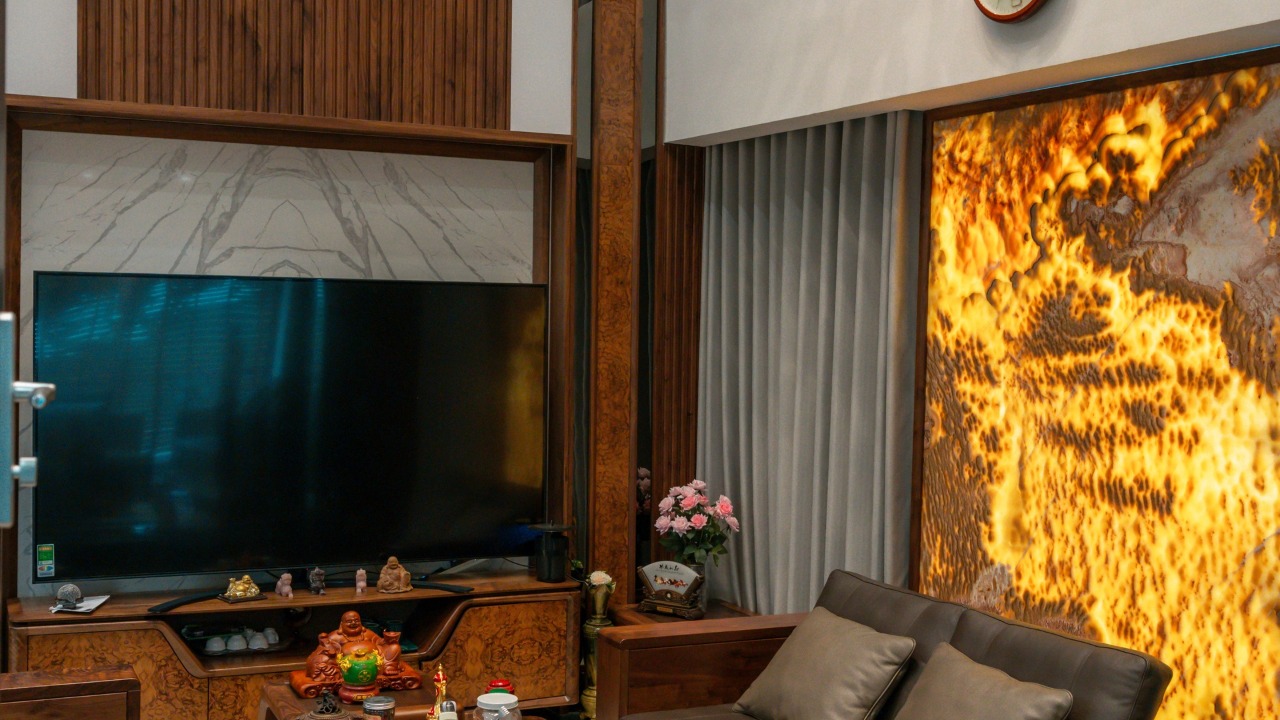
These are the exact source photos used to create this finished EstateReel property video.




A focused production path
EstateReel AI is for repeatable listing content from photos. A videographer still makes sense when the property needs an on-site shoot, talent, or bespoke direction.
| What changes | EstateReel AI | On-site production |
|---|---|---|
| Required input | Existing listing photos | Shoot, access, and crew |
| Production path | Upload, generate, review | Schedule, shoot, edit |
| Repeatable formats | Preset per use case | Scoped per project |
| Another version | Start a new generation | Return to the editor |
Questions
Create listing videos from photos, refine the story, and export polished assets for the channels where buyers already watch.
Current renders use up to 6 selected photos. Each photo becomes one short scene, so choose the strongest exterior, living area, kitchen, bedroom, amenity, or neighborhood shots for the clearest story.
Each uploaded photo becomes one short video clip. EstateReel combines the clips in the exact order you arrange them.
The first release focuses on stable photo-to-video scenes and automatic assembly. Voiceover and burned-in captions are not part of the current MVP.
Login supports Google. Paid checkout uses Stripe, with both subscriptions and one-time credit packs.
You can download and publish generated videos for your own listings, subject to the media rights, music, voice, and usage terms that apply to your account.
Create your next listing video
EstateReel gives real estate teams a clean listing workflow that turns real property assets into videos agents can publish.